
Preparation
Hardware Preparation
We recommend using NextPilot's own flight control products. The complete hardware set includes the navigation flight control computer (referred to as the autopilot), airspeed sensor, base station, debug interface board and the matching cables. One of the industrial-grade navigation flight control products we have released is the NP-FCC-H05, shown below:
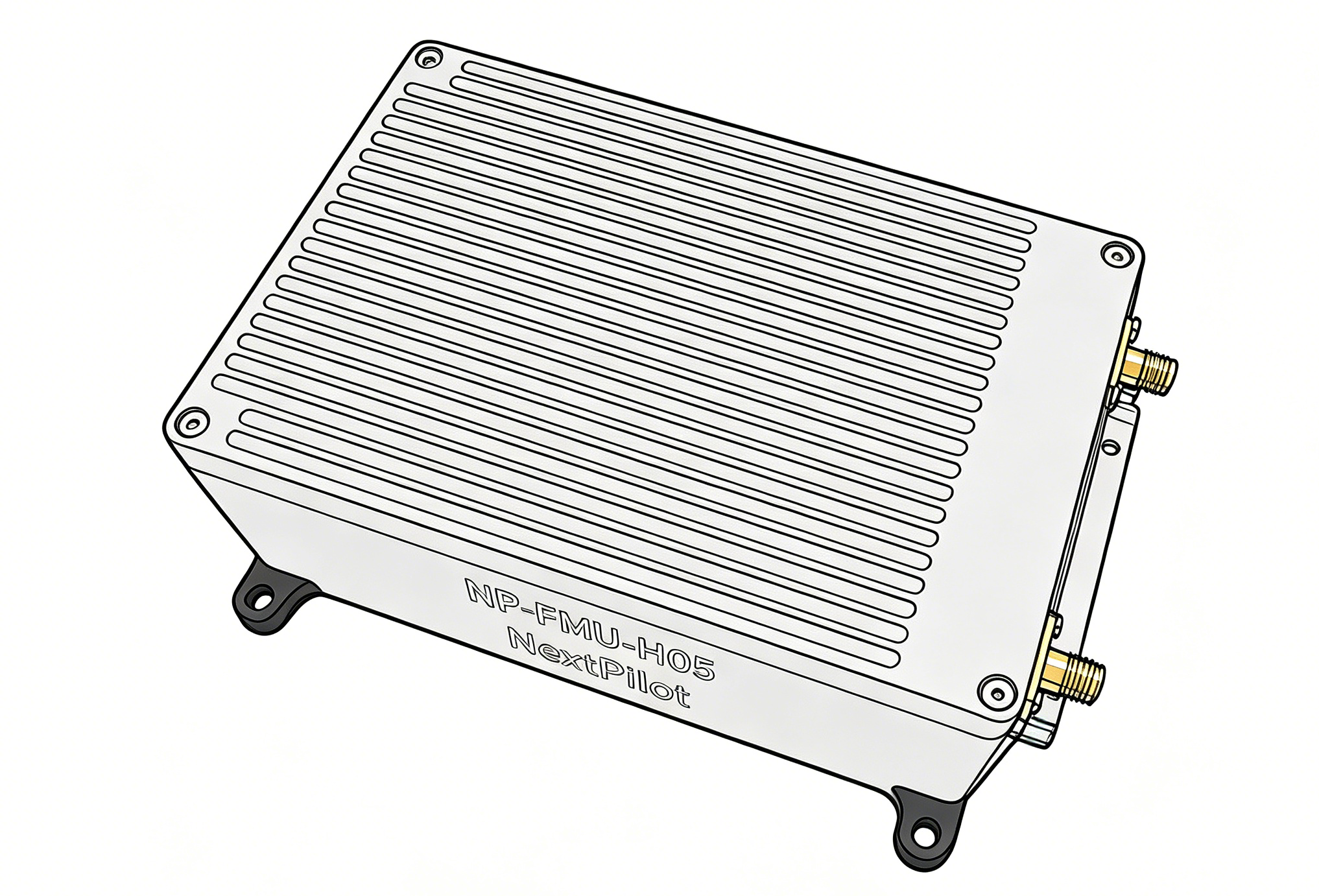
For an introduction to the NP-FCC-H05 series products, including system composition and functional performance, refer to the product documentation.
Important notes
- The only autopilot hardware currently supported is the NP-FCC-H05; support for more open-source hardware is planned;
You also need to prepare a UAV flight platform. The autopilot currently supports three major vehicle categories: multirotor, fixed-wing and VTOL.
Software Preparation
Download and install our ground control station software from the download center, then double-click to install.
Note that although the autopilot supports the MAVLink protocol by default and QGC can be used for communication and basic control, the autopilot function modules and business logic are not exactly the same as PX4, so QGC cannot be used for complete parameter configuration and function control.
Flashing Firmware
The autopilot ships with the latest firmware flashed by default. If you need to change the firmware version, you can download it from the release notes.
Once the firmware is ready, refer to the firmware flashing section in Flashing Firmware.
NextPilot currently adopts an architecture that separates flight control from navigation: the Flight Control System (FCS) and the Inertial Navigation System (INS) programs run on two identical but independent main control chips. Therefore, to fly, the FCS firmware must be flashed through
FCS_USBand the INS firmware throughINS_USB.The latest stable firmware is already flashed at the factory. If you need to change it, download and flash it yourself. Also pay attention to firmware correspondence; see the release notes for details.