
Data Forwarding
Introduction
Data forwarding means the ground station can forward UAV data to a remote host, achieving "data sharing". In this case the ground station acts as a "relay station", forwarding communication between the UAV and the remote host!
The following data forwarding scenarios are currently implemented for business needs:
Forwarding data during simulation;
Transparent forwarding of raw data;
Forwarding data to the control tower, command center, etc. during field flights (requires development according to the protocol).
Creating a Forwarding Link
Opening the Data Forwarding Screen
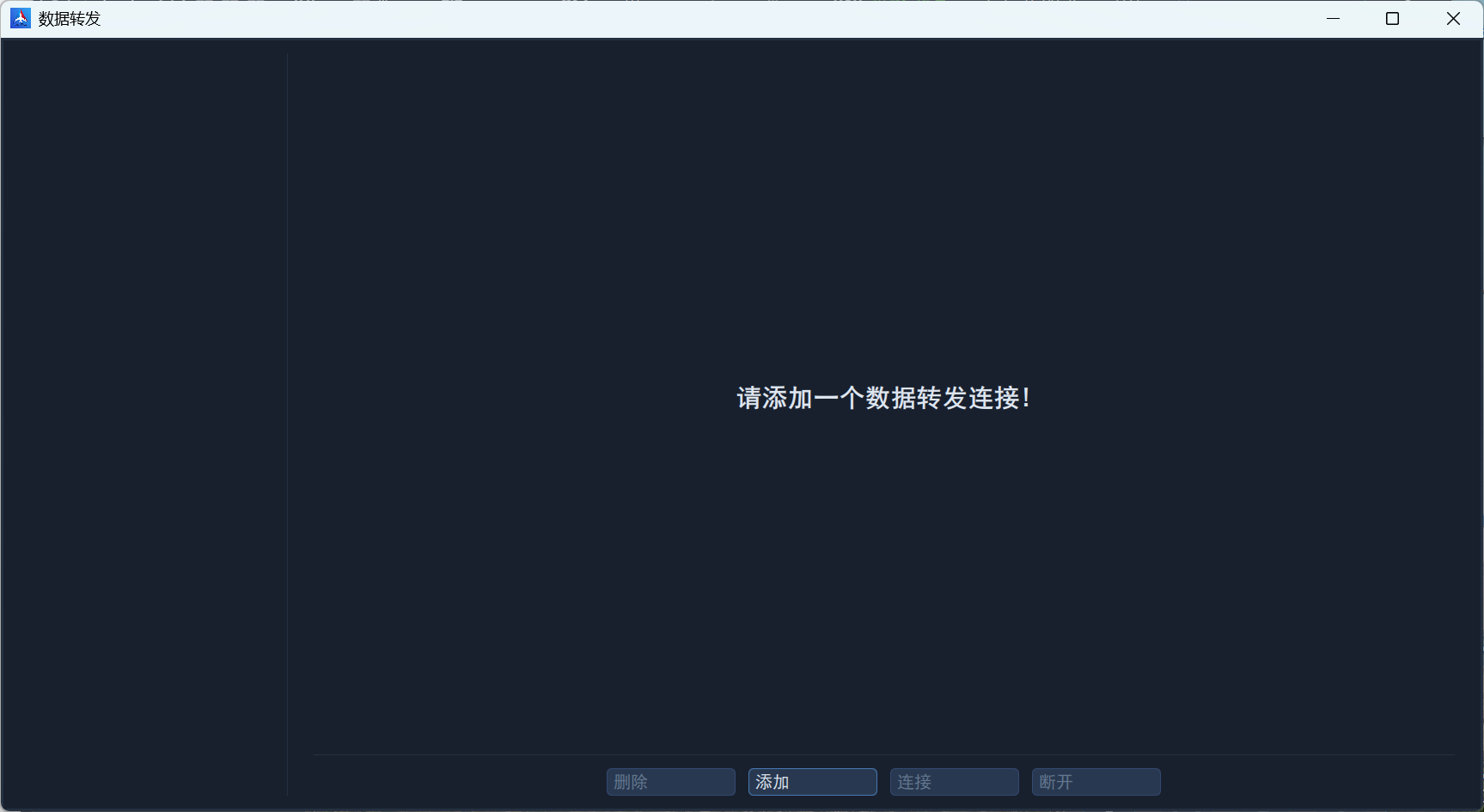
In the Tools section of the left sidebar of the ground station, click Data Forwarding to open the data forwarding screen, as shown below:
Adding a Link
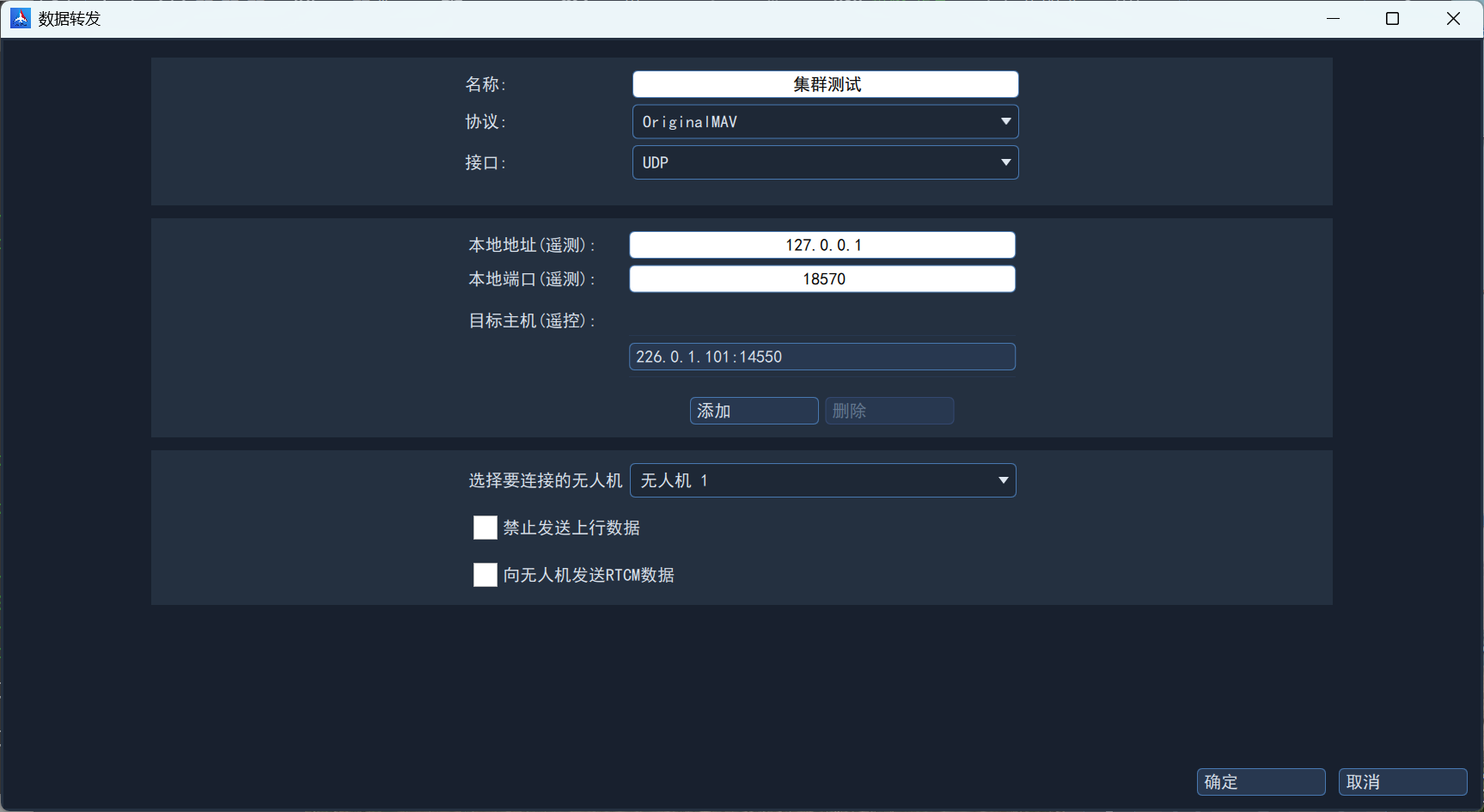
Click Add to create a new data forwarding link. The main settings are:
Name: fill in according to your use case;
Protocol: OriginalMAV (raw protocol, the same as the UAV communication protocol);
Interface: serial port or UDP. For a serial port, select the port number and set the baud rate; for UDP, select the destination address and destination port number;
UAV to connect: select the UAV currently communicating with the ground station from the drop-down list.
Connecting
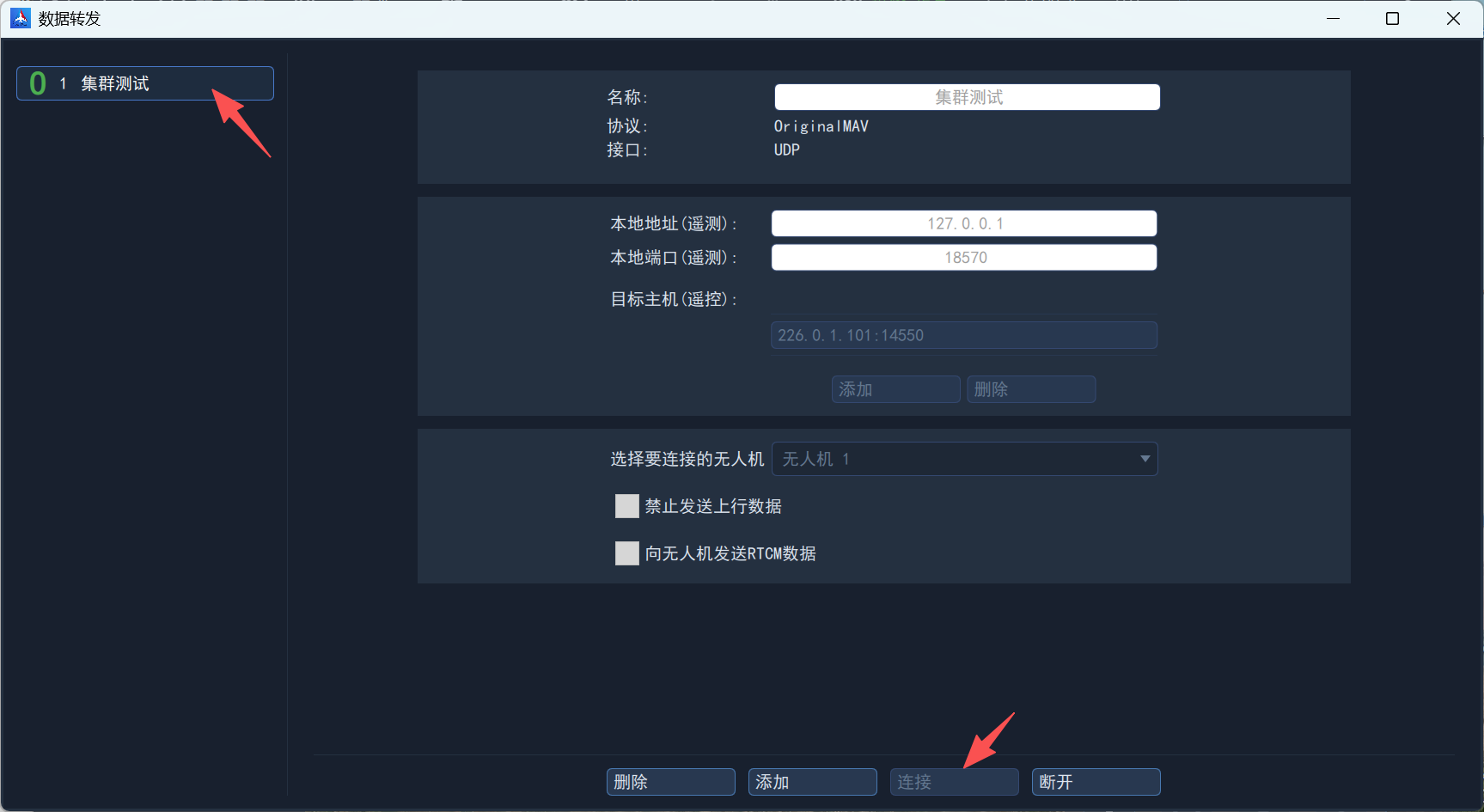
Select the link on the left and click the Connect button below.
Other Settings
Disabling Uplink Data
If you do not want the remote host to control the UAV, check Disable uplink data; the ground station then automatically blocks uplink control data from the remote host.